
Velin AI v1.5.9 — What Broke, What I Fixed, and What's New
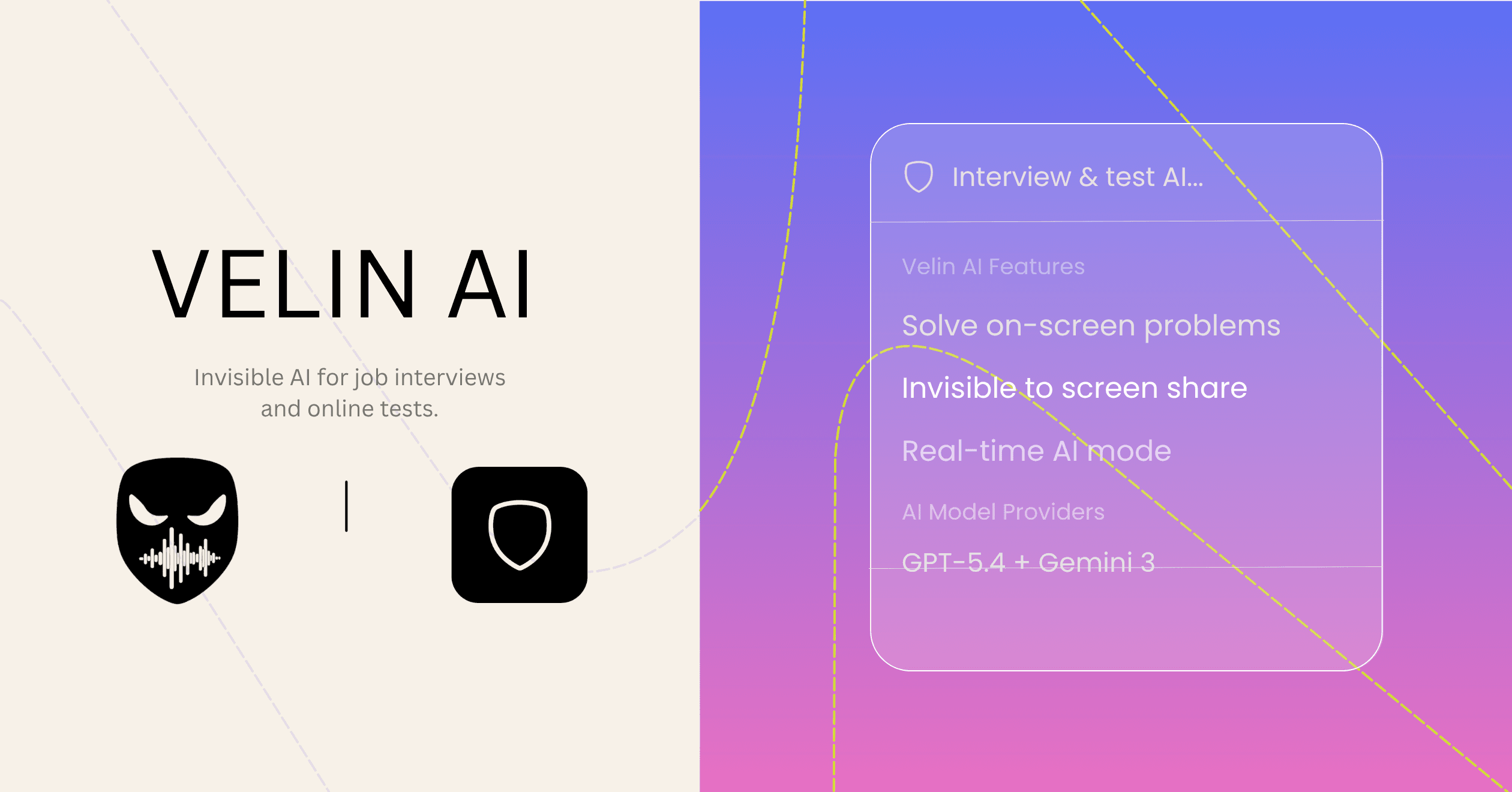
Let me catch you up on what actually happened.
After the initial release, Velin AI broke in production. Google discontinued a core live API the app depended on. Sessions stopped working. I started getting a flood of emails — bugs, refund requests, frustrated feedback, and a handful of genuinely useful feature requests in the middle of it all.
I pulled back the release, stopped posting, and spent the time fixing it properly instead of shipping patches that would break again.
This is what came out the other side.
What broke and why it mattered
The original live AI engine was tightly coupled to a single provider. When that provider changed their API, everything stopped working mid-session. No graceful fallback, no retry logic — just silence.
Beyond the API issue, I had shipped fast and some of the underlying architecture was not built to last. Observability was minimal. There was no way to know what was failing in real time without waiting for someone to email me.
The honest lesson: it is one thing to ship a product. It is another thing to make it scalable.
What I rebuilt in v1.5.9
Stable, provider-independent real-time AI
The entire live session engine was reengineered. It now routes dynamically across providers — if one goes down or returns an error, the app switches automatically without interrupting your session. You get an answer either way.
This is the most important fix. The old version would fail silently. The new version is built to stay running.
No more AI usage errors
Related to the above — the app now handles provider rate limits and errors behind the scenes. You will not see "AI unavailable" during a session.
Better undetectability
The original release was invisible in most screen sharing contexts but not all. v1.5.9 goes deeper: the app does not appear in screen recordings, the dock, Activity Monitor, task managers, or any call platform. Invisible at the OS level.
Click-through mode
This was a real friction point. The old app would steal focus from your OS when you opened it, which made it obvious you were using something. Now the app is fully click-through — you interact with it using keyboard commands only, and your typing never interrupts what you are doing elsewhere on screen.
Observability and stability
Added architecture-wide tracing with Sentry and PostHog, plus user metrics and transaction tracking. This means I can see what is actually failing before someone emails me about it. Should have done this from the start.
New features
Invisible notes
Create and use notes as cheat sheets during interviews or meetings. Only you can see them. Useful for role-specific context, talking points, or anything you want to reference without it being visible to anyone else on the call.
Custom context
Paste in your resume, images, or role description and the AI uses that to personalize every answer. Instead of generic responses, you get answers that sound like they came from you — because they are grounded in your actual background.
This is one of the highest-leverage features. If you have not tried it, open the Context section and spend 30 seconds adding your background.
Full coding support
Live sessions and screenshot mode now work properly with code. Any programming language. Useful for technical interviews, debugging during calls, or working through a problem on screen.
57+ language support
Answers in whatever language you need. Useful if you interview in a language that is not your first language, or if you work across multilingual teams.
Live mic and system audio transcription
Transcribes both sides of a call in real-time — your mic and system audio. The transcript stays private on your device.
Cleaner UI
Themes, reduced visual noise, and better keyboard navigation throughout. Video guides are also available now on the blog if you want a walkthrough of any feature.
What this means for you
If you used Velin AI before and it broke on you — I understand. That was a real failure and I am not going to spin it.
The version that is out now is a different product under the hood. More reliable, more capable, and built to handle the things that broke the first version.
If you want to try it again, it is free to start. If you run into anything that does not work, reply to any email you have from me or contact support directly. I read every message and fix things quickly when someone actually tells me what is wrong.
Thank you to everyone who sent feedback, reported bugs, and stuck around. That is what made this rebuild possible.
— Takara
Written at v1.5.9 — a lot has shipped since. For where the product is now, read What Is Velin AI? or the undetectability breakdown.