
Best Online Test & Exam AI Assistant in 2026
An online test is not a live interview, and most tools in this category are built for the interview.
In an interview the question is spoken, so transcription is the core capability. In a test the question is on the screen — a problem statement, a diagram, a multiple-choice block, a code editor — and nobody says it out loud. A tool that only listens is useless here. What matters is whether it can read a screen and return something you can act on.
The second difference is the environment. Assessment platforms and proctoring software watch more closely than a video call does, and they're more likely to inspect the browser, the window list and keyboard input.
A Word of Caution
Relying solely on a tool to provide answers you don't understand is a risky strategy. True professional growth comes from learning, not just passing a test.
That warning isn't boilerplate. Institutional exams and certification tests usually carry academic-integrity rules with real consequences, and no tool listed here changes that. Everything below is about capability, not permission — the decision about whether to use one in a given test is yours and it's worth thinking about properly.
What to judge on
Can it read the screen? The single non-negotiable. Called Captures mode, screen analysis or screengrabs depending on the vendor.
Does it handle a modified problem? Tests often build in stages — part two depends on part one.
How long can a session run? Timed exams run two or three hours. A tool that caps sessions at 60 or 90 minutes stops working partway through.
What's the input surface? Assessment platforms are the environment most likely to log keystrokes.
Is usage metered? Running out of credits mid-exam is unrecoverable in a way it isn't in an interview.
The tools that can do this
1. Velin AI — built with a mode for exactly this
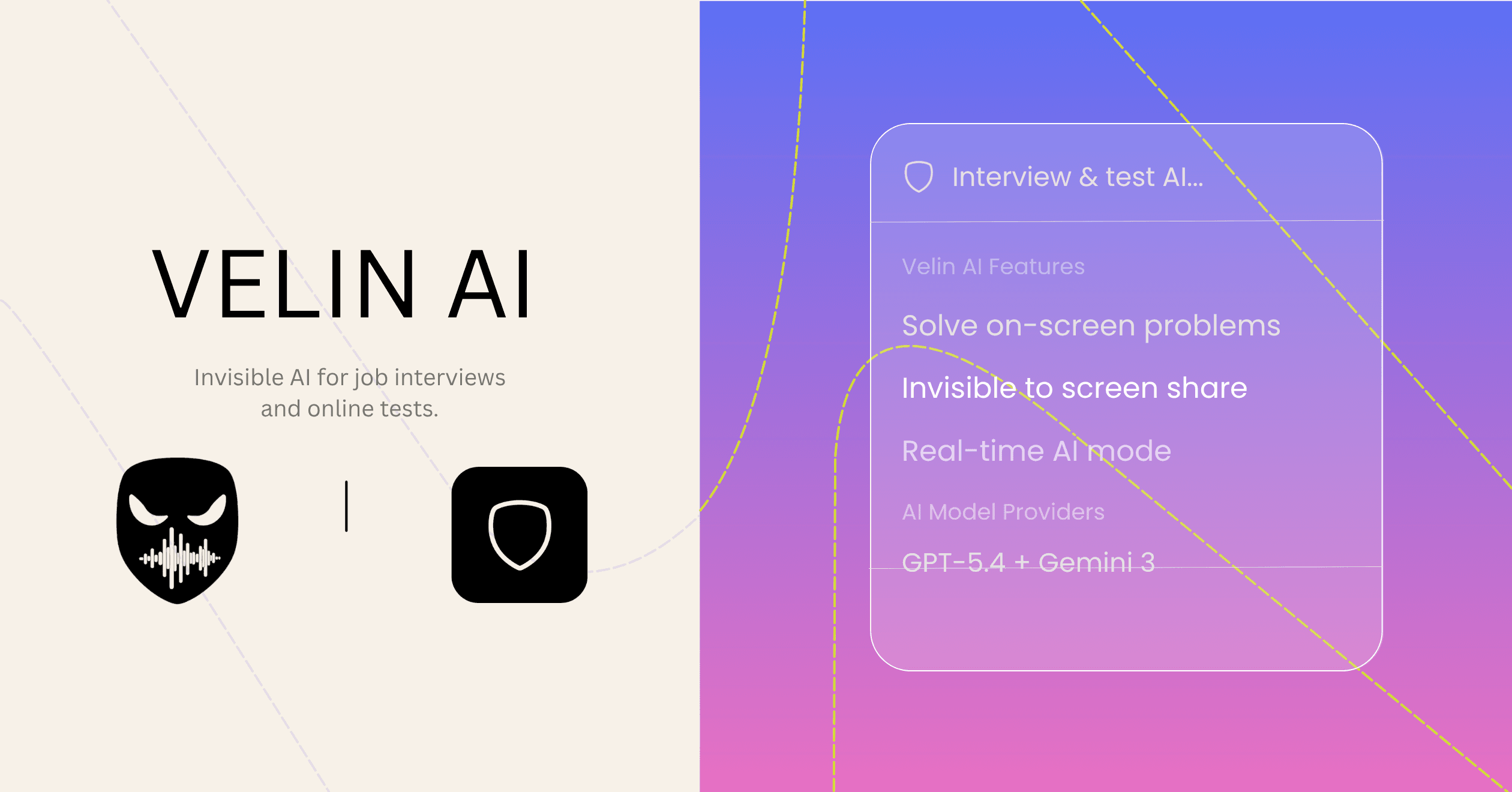
The only tool here with a separate mode for screen problems. Captures mode reads whatever is on screen — a coding problem, a diagram, a question block — and returns a formatted solution, with multi-page reads for questions that span scrolling, and auto screenshot detection. Live mode handles the spoken half if there is one.
Two things that matter specifically in a timed test: sessions have no duration cap, so a three-hour exam doesn't outlast the tool, and usage is unlimited on every plan — no credits to run out of. Parallel AI jobs mean a second question can process while the first resolves.
On input surface, it's the only one that can be driven by mouse gestures, leaving the keyboard untouched on platforms that log it. Invisible in dock, menu bar and Activity Monitor, running as V Module.
$34/month, $228/year, or $324 once.
What it doesn't claim: that any specific proctoring product has been beaten. Nobody should claim that, and vendors who do are describing something they can't know.
2. Interview Coder 2.0 — strongest assessment-platform coverage
Names the platforms that actually run online tests — HackerRank, CoderPad and Codility — rather than only video tools, which is more than most here do. Handles system design and AI/ML question types alongside algorithmic ones, with audio capture and real-time transcription, invisible in dock and Activity Monitor.
The catches: $299/month or $799 lifetime. Keyboard-only control, which is the input surface you'd least want live during a proctored assessment. And no stated session-length limit either way, so worth checking before a long exam.
3. Interview Solver — screengrabs and multi-monitor
Purpose-built for reading problems off a screen: screengrabs analyse window content, with syntax highlighting and flowcharts for working through an answer. Multi-monitor support is explicitly advertised, which nothing else here mentions and which matters if your test spans two displays.
$39/month, 10-message free trial.
The catches: invisibility is stated as applying to Zoom 6.16 and below and browser-based screen recording software — a bounded claim, and browser-based recording is exactly what a lot of proctoring uses, so read that boundary carefully for your situation. Scope is LeetCode-style problems and system design only. Monthly billing only.
4. Parakeet AI — the only option on a locked-down machine
Screen capture for LeetCode-style questions, document upload for reference material, and auto-detection of questions. Browser-first and mobile-optimised, so it runs where nothing else on this list can — a managed laptop, a lab machine, anything you can't install software on.
The catches, and they're significant in this context: a browser tab is the most inspected surface during a proctored test. It's in your window list and enumerable by a browser extension, which is where a lot of proctoring software lives — so the delivery method that gets it onto the machine is also its weakest point. Usage is metered in credits, with 10-minute sessions on the free tier, which is short for an exam. Prices aren't published.
Not suited to this
Cluely is a meeting assistant — notes, recaps, participant tracking. Answers are triggered with a keyboard shortcut and there's no screen-problem mode. For a test where the question is on screen and unspoken, it's the wrong tool, and undetectability would cost $149.99/month on top.
Final Round AI and LockedIn AI are both strong on live interviews and both include mock-interview practice, but neither documents a screen-reading mode for static problems the way the four above do. LockedIn's VSCode and Cursor integration is useful for take-homes, which are a different thing from a timed proctored test.
Side by side
| | Reads the screen | Session length | Usage | Control | |---|---|---|---|---| | Velin AI | Captures mode, multi-page | Unlimited | Unlimited, all plans | Keyboard, clicks or gestures | | Interview Coder | Yes | Not stated | Not stated | Keyboard | | Interview Solver | Screengrabs | Not stated | Not stated | Global hotkeys | | Parakeet AI | Yes | 10 min free tier | Credits | Keyboard shortcuts |
Which one
For a timed exam on your own machine — Velin AI. Captures mode is built for screen-based questions, sessions don't expire, usage isn't metered, and gesture control keeps the keyboard clear.
For coding assessments on HackerRank, CoderPad or Codility specifically — Interview Coder names those platforms directly, if the price works for you.
If your test spans two monitors — Interview Solver, with its version boundary understood.
If you can't install anything — Parakeet AI, accepting that browser delivery is the weaker position in a proctored environment.
Before you use any of them
Test it on your own machine first, with the same setup you'll face. Open Activity Monitor or Task Manager and look for it. Record a screen share and watch it back. Check the dock, the tray, and your window switcher. Re-check after every update, yours and the platform's.
And be clear-eyed about the context. A live job interview and a proctored certification exam are not the same situation, whatever a marketing page implies.
Related: the most undetectable tools ranked on documentation, the best for coding rounds, and whether you can use AI in an interview at all.
Competitor features and pricing were taken from each company's own site on 12 August 2026. Parakeet AI does not publish prices. No tool here was tested against proctoring software.