
The V Module Update: Why I Renamed Velin to Something You Won't Recognize
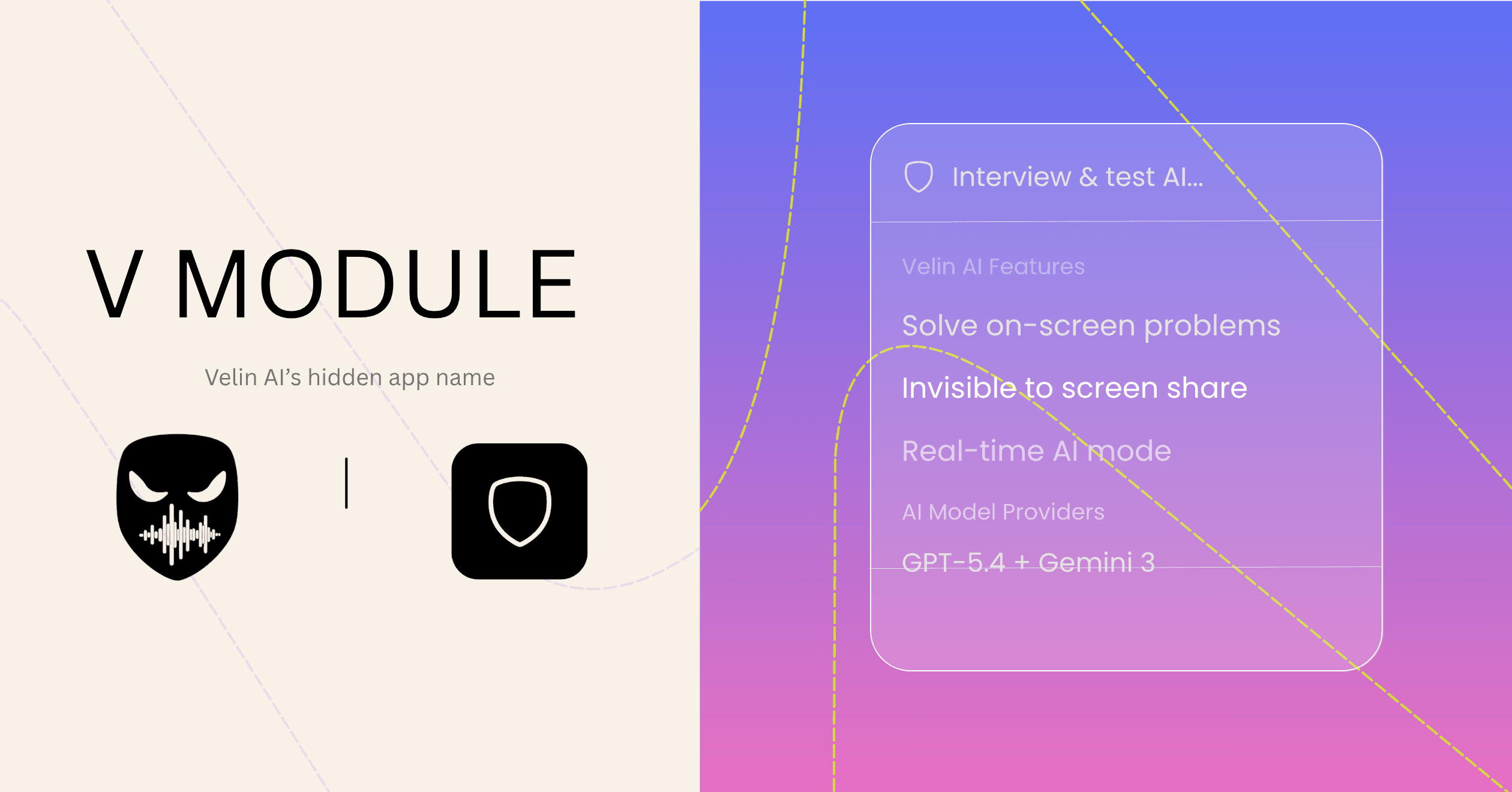
If you just updated and noticed the app in your dock or taskbar now says V Module — that's on purpose. Here's what I changed, why I changed it, and what it means for you.
The Problem With "Velin AI"
Velin is built to disappear. That's the whole pitch. It's invisible to screen recorders, it doesn't show up in screenshots, it sits quietly in the background processing whatever you throw at it. The entire architecture is about not being seen.
And then the app icon sat in your taskbar with the name Velin AI stamped next to it.
If someone glances at your screen during a meeting and spots an unknown app — the name is the first thing they read. "Velin AI" is clearly an AI tool. It invites questions. It's the kind of name that makes someone do a double-take, lean in, and ask "wait, what is that?" Which is the exact opposite of what this app should do.
I noticed this while watching myself use the app. The tool was invisible. The name wasn't.
Why "V Module"
The goal was to pick a name that sounds like a boring system utility — something that lives on every computer and that nobody ever asks about. Think "Audio Manager," "V Sync Helper," "Input Module." Nobody Googles those. Nobody leans over and asks "hey, what does that do?"
V Module hits that mark. It's unmemorable by design. It sounds like a driver component or some background process that came bundled with your laptop. It's the kind of name that makes you skip right past it.
That's exactly what I want.
What Actually Changed
Just the external name. That's it.
What macOS shows in Finder, Spotlight, and the dock. What Windows shows in the taskbar, Task Manager, and the Applications list. That's the full scope of the change.
Inside the app, nothing moved. The name in the UI is still Velin. Your account is still a Velin account. Your settings, your notes, your API keys, your custom prompts — all exactly where you left them. The bundle ID is the same (com.velinapp.desktop). macOS and Windows both treat it as the same app, so there's no reinstall, no data migration, no "delete the old one first."
You update, you open the app, it's still Velin inside. It just looks like something else from the outside.
The Icon, Too
I also shipped a new app icon alongside this. The old icon was colorful and branded. Which was fine — I was proud of it. But a distinctive, vivid icon in your dock is a visual fingerprint. It's memorable. People notice it and remember it.
The new icon is deliberately unmemorable. A blurred, abstract mark in muted tones. The kind of thing that could be a system tool or a developer utility. It doesn't announce itself. It sits in your dock or taskbar and nobody gives it a second thought.
I'm not embarrassed about the product — I'm building it publicly and writing about it here. But the icon's job isn't to represent the brand to the world. Its job is to help users run this app without drawing attention. Those are different jobs.
If You're Updating From an Existing Install
You don't need to do anything different. Run the update normally. The name will change automatically. If you had Velin pinned to your taskbar on Windows, you might see it update to the new name. On macOS, same deal — your dock entry updates.
Everything else stays exactly the same.
Why I Care About This
Velin exists for people who need to think clearly and work effectively without broadcasting every tool they use. Some people use it in high-pressure interviews. Some use it in meetings where they want an edge without the optics of being visibly AI-assisted. Some just like having a quiet second brain running in the background.
In all of those cases, the name and icon are part of the product. They're not just branding decisions — they're UX decisions. A tool that calls attention to itself is a tool that partially fails at its job.
V Module is a small change that makes the app better at the thing it's supposed to do. That felt worth shipping.
Where this stands now: the rename is one protection among many, and it covers exactly one surface — the process list. How Velin stays undetectable walks through the other five, and the undetectability page has the full list.